CART•[[chatnum]]
- No products in the cart.
-
-
-
specifications: [[item.skuinfo]]
price: [[item.currency]][[item.price]]
[[item.currency]][[item.allPrice]]
-
-
Price
[[listData.currency]][[listData.discount_price]]
[[listData.currency]][[listData.price]]
save [[parseInt((1-listData.discount)*100) ]]%
[[listData.product_sku.sku_code.show_name]]
more
retract
Please select
[[listData.product_sku.sku_code_add.show_name]]
[[listData.product_sku.sku_code_add.show_name]]
ADD TO CART
BUY NOW
ADD TO
CART
BUY NOW
TRUSTED STORE
This store has earned the following certifications.
- Certified Secure Certified
- 100% Issue-Free Certified
- Verified Business Certified
- Data Protection Certified
Unlock Exclusive Deals Now!
Limited-time special prices shop your favorites before they're gone! Click below to start saving!
Go to
see
loading...
loading...
loading...
loading...
loading...
loading...
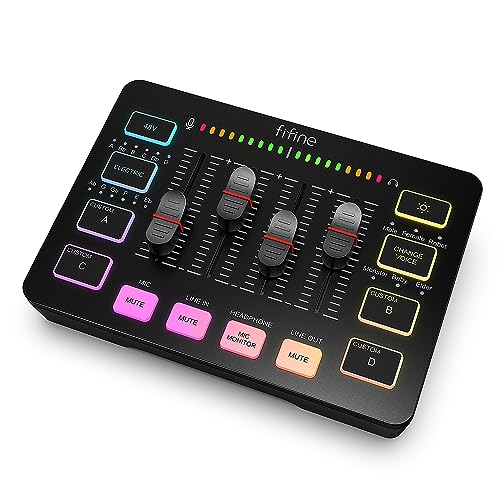


FIFINE Gaming Audio Mixer SC3 for Podcasters and Streamers with XLR Microphone Interface and RGB Lighting
$
49.99
$32.99
Inventory
Stock is running low. Hurry up
only [[pageData.stock]] left in stock
Selected product:
[[dectitle]]
more
retract
Please select
[[pageData.product_sku.sku_code_add.show_name]]
[[pageData.product_sku.sku_code_add.show_name]]
ADD TO
CART
BUY NOW
Free World wide Shipping
30 Day Money Back Gurantee
GUARANTEED SAFE CHECKOUT


The Key Performance Features
[XLR Mic Input] One XLR input channel is set on the gaming audio mixer, perfect for boosting your audio quality with your XLR setup. This XLR mixer is a step up for those looking to enhance their live streaming.
[Individual Channel Control] Enhance your live streaming with the gaming audio mixer's four independent channels. You can control the audio volume for the microphone, line-in, headphone, and line-out channels on your PC audio mixer. This gives you full control over your streaming setup.
[Mute and Monitor] The front buttons for mute and monitor on the audio mixer make it easy to use. You can mute audio and prevent background noise from ruining your live broadcast. Real-time monitoring ensures you remain confident while speaking.
[Sound Effects] The computer sound mixer offers pre-recorded customized sound effects. You can switch between six voice-changing modes and 12 auto-tune settings. Adding different and fun effects is a great bonus for your streams.
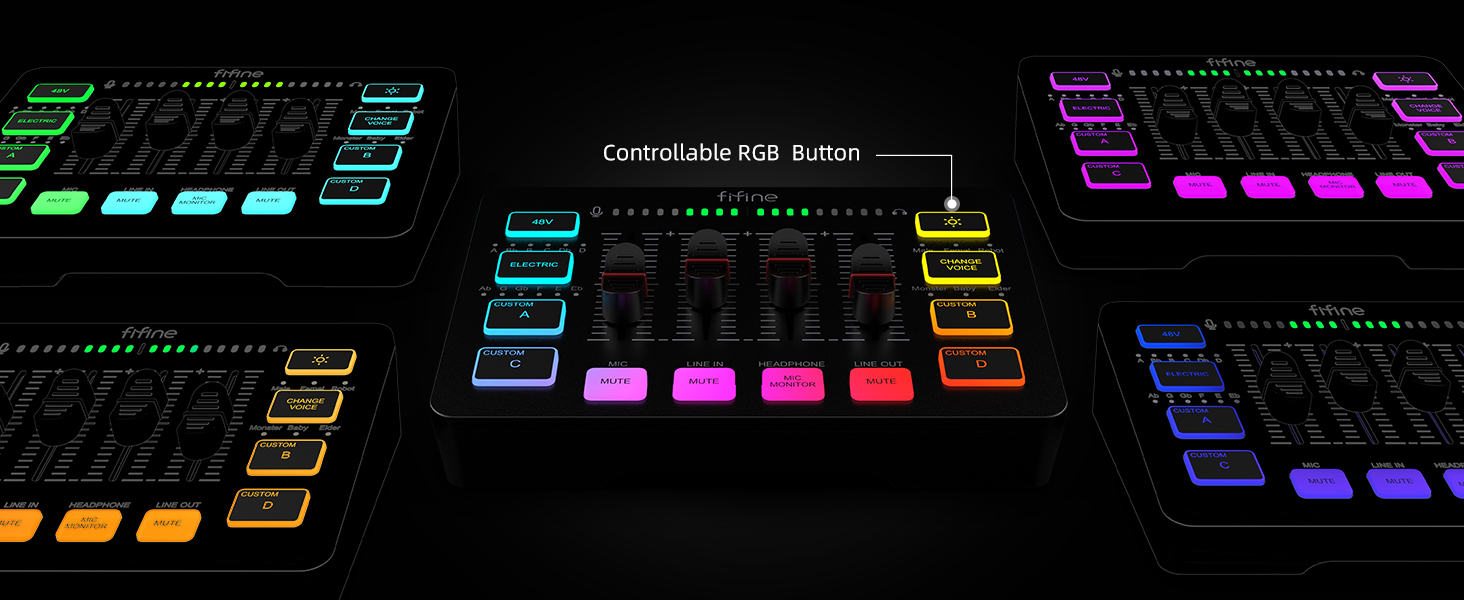
[Controllable Vibrant RGB] Experience the vibrant RGB lighting with the mixer. The lights are designed not to be harsh on your eyes and flow or freeze at a decent pace. This creates a great visual impact and adds an extra touch to your live streams.
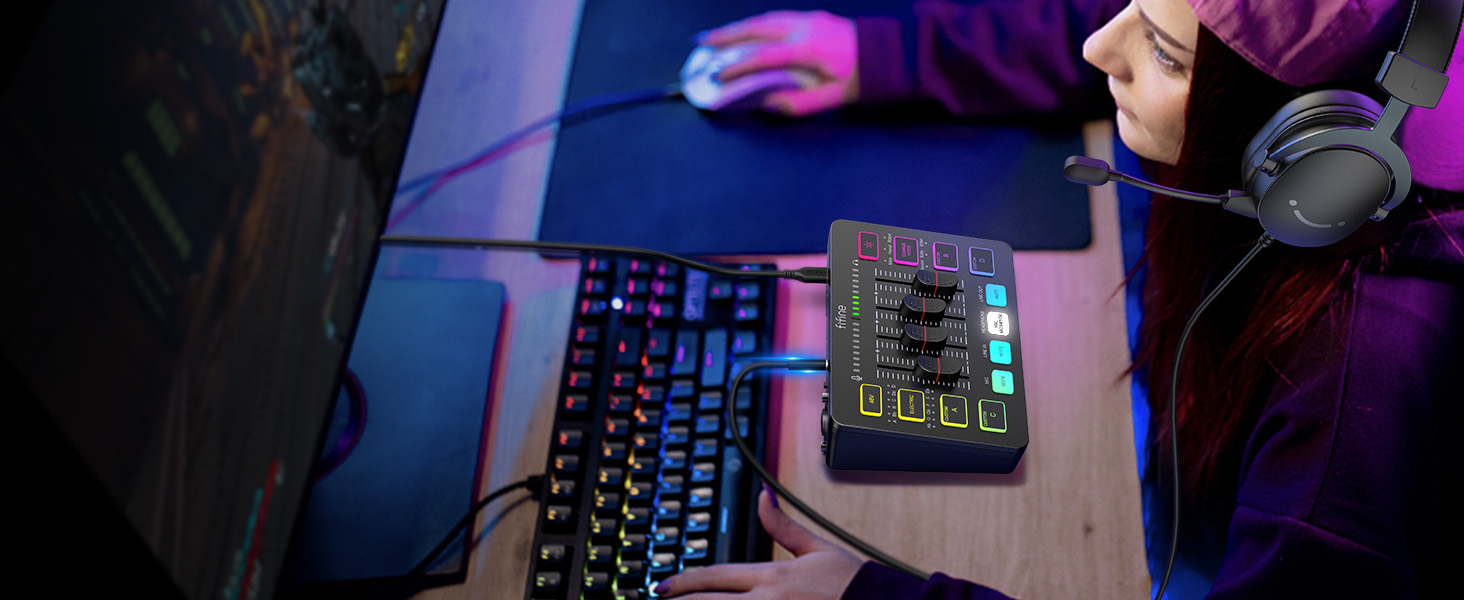
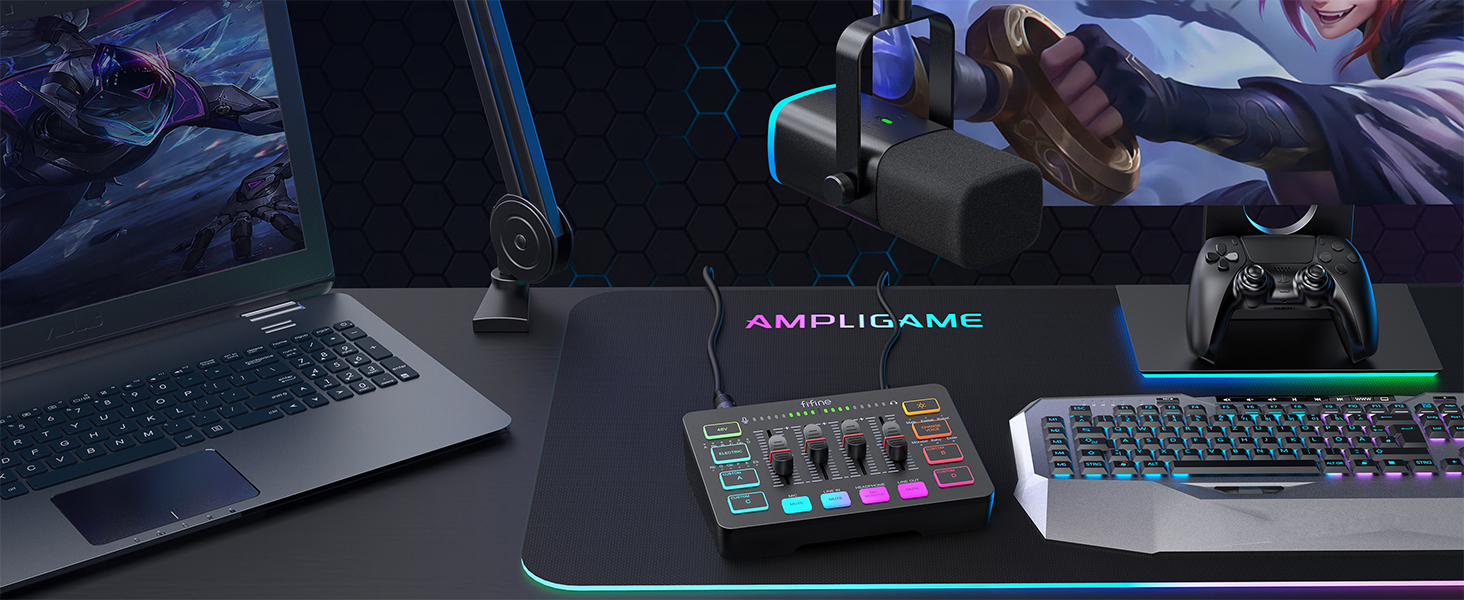
[Easy Use for More Scenes] The mixer’s easy and intuitive setup supports two PC configurations or audio mixing. The plug ‘n’ play solution works seamlessly with both Mac OS and Windows. Ideal for beginners and professionals, this audio mixer supports two inputs and two outputs (microphone and line-in, headphones and line-out) and a headset interface.
Tips: - Use a USB-C to USB-A/C cable to connect the mixer to your computer. - Use a 3.5mm audio cable for connecting to your 3.5mm audio device via line-in. - XLR cable is not included. - Input interfaces: microphone, line-in, and headset. - Output interfaces: headphones, line-out, and[XLR Mic Input] One XLR input microphone interface is available on our gaming audio mixer. This helps improve your audio quality with an XLR setup and serves as a stepping stone for upgrading your live streaming experience. Our mixer also offers built-in 48V phantom power, enabling you to use condenser microphones directly without additional peripherals (not compatible with USB mics).
[Individual Channel Control] Record with one mic and achieve smooth volume control with our gaming audio mixer. With four independent channels (MICROPHONE, LINE IN, HEADPHONE, and LINE OUT), you can individually adjust the audio volume. Configure the PC audio mixer through your software instead of just using game or streaming software.
[Mute and Monitor] Easily mute and monitor audio with front buttons for convenience during live streaming. Muting the audio interface helps prevent background noise from damaging your live broadcast. Real-time feedback between speaking and hearing ensures you can speak more confidently. The sturdy controls make it easy to operate during live streaming.
[Sound Effects] Our audio mixer supports four pre-recorded custom buttons for post-production and six voice-changing modes. Twelve auto-tune settings can adjust the tone of your voice. The inclusion of different and fun sound effects enhances your streaming or game voice.
[Controllable Vibrant RGB] RGB lights on our audio mixer let you connect with different live streaming themes. The vibrant but not harsh lights are perfect for your eyes. Smooth RGB color rotation creates a strong visual impact during your broadcast, making even streaming equipment look impressive.
[Easy Use for More Scenes] Our streaming setup mixer is easy to use for various scenes. It supports two PC settings or audio mixing, physically balancing music, game, or audio settings. The plug-and-play solution works well with Mac OS or Windows. The audio mixer features two input and two output interfaces (Mic and LINE IN, Headphones and LINE OUT) and a headset interface, providing flexibility for beginners and professionals.
Tips: - Use a USB-C to USB-A/C cable to connect the mixer and your computer via the Type-C interface on the mixer. - Use a 3.5mm to 3.5mm audio cable to connect the mixer to a 3.5mm audio device (like a phone or tablet) via the LINE IN on the mixer. - XLR cables are not included in the package. - Input interfaces: Mic, LINE IN, and Headset. - Output interfaces: Headphones, LINE OUT, and Headset.










YOU MAY ALSO LIKE